
Lock your room. Own the stage.
StarMaker Room Tool gives you one-tap lock and entry control for your voice chat rooms — so randoms stay out, your singers stay in, and the show never stops.
Live Proof
See it work, then try it yourself
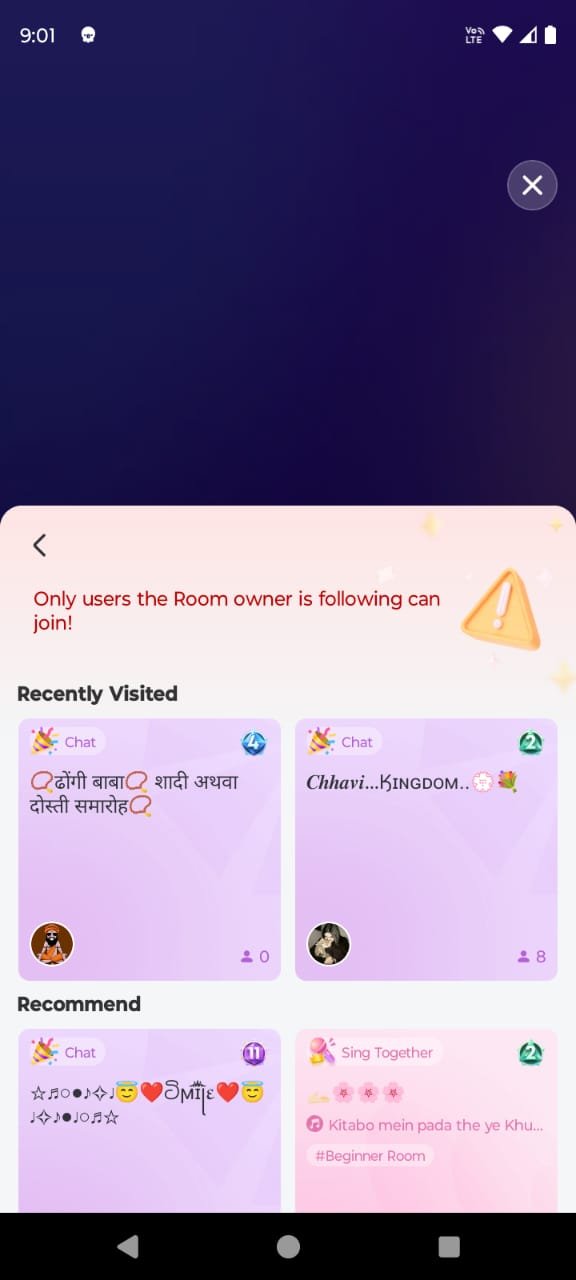
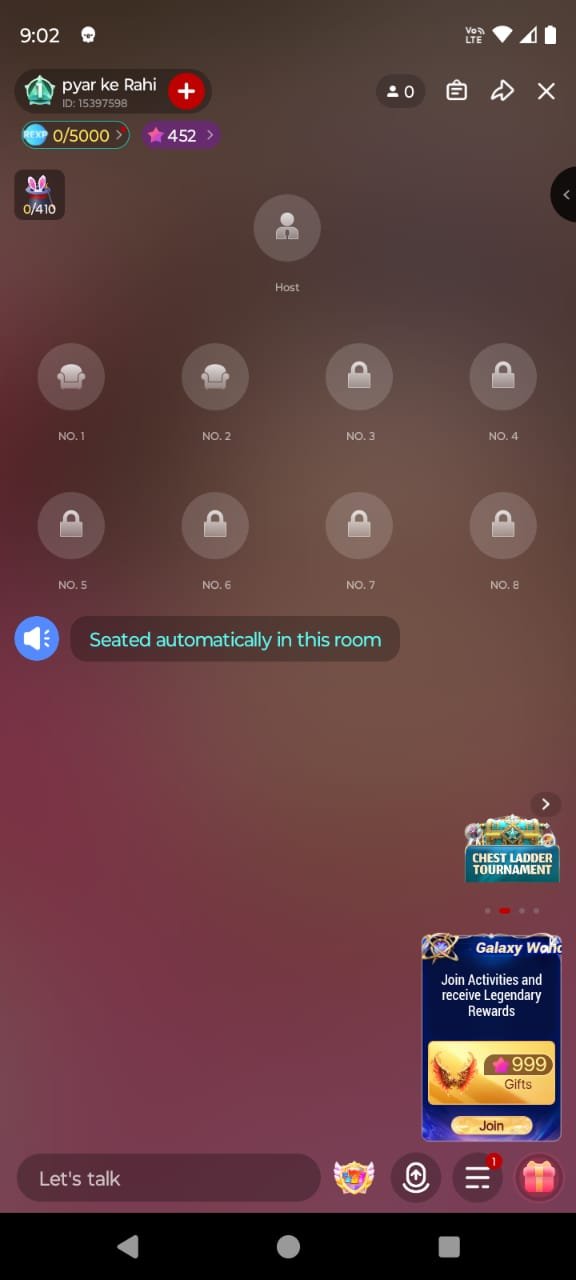
A real screen recording of the tool locking and opening a StarMaker voice room — plus the exact before and after screens, straight from a phone.
Entry is locked — only the singers you want can get in.
One more tap and the floor is open — the room is live again.
Downloads
Two tiny apps, full room control
Grab the main Room Tool, then add the LockRoom companion so your room rules keep holding while you sing.
Room Tool
Main AppThe main StarMaker voice-room tool. One tap locks your room entry, another opens the floor — simple, fast, and made for hosts who would rather sing than fiddle with settings.
Download Room ToolLockRoom
CompanionThe companion lock module that keeps your room rules active in the background — so your settings hold while you perform, chat or switch apps.
Download LockRoomWhy Hosts Love It
Built for hosts who never miss a beat
One-Tap Room Lock
Lock your voice room entry in a single tap. No digging through menus mid-stream — the stage stays yours.
Instant Entry Control
Open the floor again whenever you want. Lock and unlock flip instantly, right when the moment calls for it.
Background Friendly
Keeps doing its job while you sing, chat or switch apps — no need to babysit the screen.
Made for StarMaker
Built around how StarMaker voice rooms actually work, so everything feels natural from the very first tap.
Feather-Light APK
A tiny download that installs in seconds and runs smooth even on budget phones.
No Root, No Fuss
No rooting, no PC, no complicated setup. Install, open, and you are in control of your room.
Good to Know
Questions, answered
Everything hosts usually ask before locking their first room.
Tap a Download button, open the APK when it finishes, and allow 'Install from unknown sources' for your browser if your phone asks. The whole thing takes under a minute.
Start with the Room Tool (Tool.apk) — it's the main app. Then add LockRoom (LockRoom.apk) as its companion so your room rules stay active in the background.
Nope. Everything works on a normal Android phone — no root, no PC, no complicated setup.
Yes. It's built to stay out of your way and keep running while you focus on the performance, chat with your room, or switch between apps.
Delete the old file, download it again, and make sure unknown-sources install is allowed for your browser. Still stuck? Message us on Telegram or WhatsApp — we actually reply.
Yes — downloading from this page is free. Grab the APKs, watch the demo, and you're good to go.